




How to Modify a DVC Reservation

Once you make a DVC reservation, you can still make changes to it if needed. Here’s how to modify your DVC reservation, whether it’s updating the resort, travel dates, or guest information.
How to Modify a Reservation
Changing Resorts, Dates, or Room Types
While you can always call Member Services to help you change a DVC Resort reservation, it’s often faster and easier to do this yourself through the DVC website. Once logged in, go to your dashboard and find the reservation that you would like to modify. Click on View or Modify Details. Next to the resort details and check-in and check-out dates, click on Modify.
The rest of the process will look very much like making a new reservation. You’ll enter the number of guests, check-in and check-out dates, room type, and resorts for which you would like to check availability. The next page will show which room types are available. When you find the new reservation that you would like to book, click continue. Select the contract that you would like to book the reservation, and click continue. Once you enter your guest information, click continue and complete your reservation.
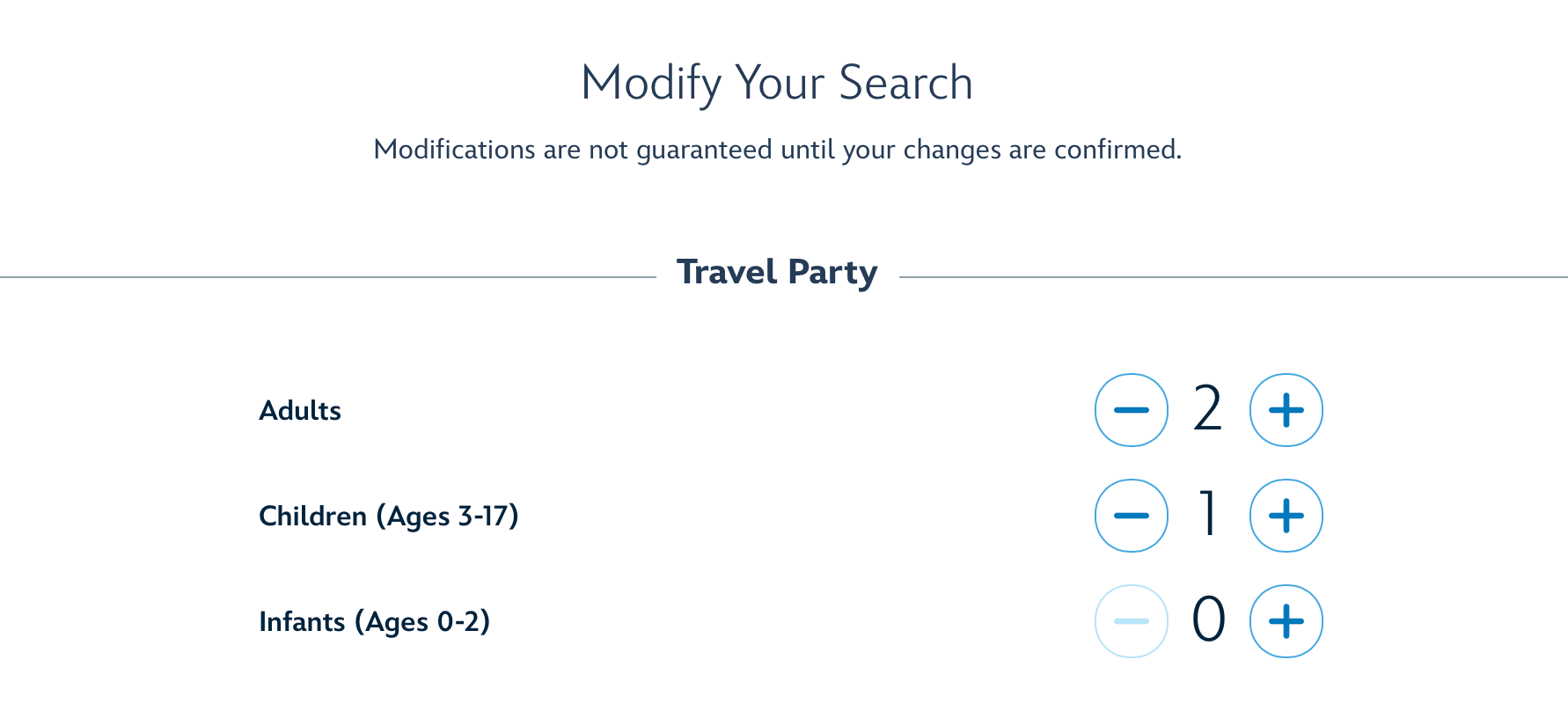
Modifying a reservation
Changing Guest Names or Contact Info
If you are trying to simply change the info for the guests who are attached to reservation, you can do that on the DVC website. From your dashboard, find the reservation that you would like to update, and click on View or Modify Details. Next to the Guest Information section, click on Modify. From here, you can fill in the fields with your updated information.
Note that if you need to change the main contact on the reservation, you will need to call Member Services for assistance. It’s the one change you cannot make on your own.
Helpful Tips for Modifying a DVC Reservation
Be Ready Early for the Best Availability
If you’re looking to switch from your home resort to another resort at the 7-month mark, you’ll want to aim for the best availability. Just as with the 11-month booking window, the 7-month booking window opens at 8am ET. For the best odds of getting a room at a different resort, you’ll want to book right when that window opens, especially if you’re trying to modify your reservation to a resort, room type, or date that is hard to get.

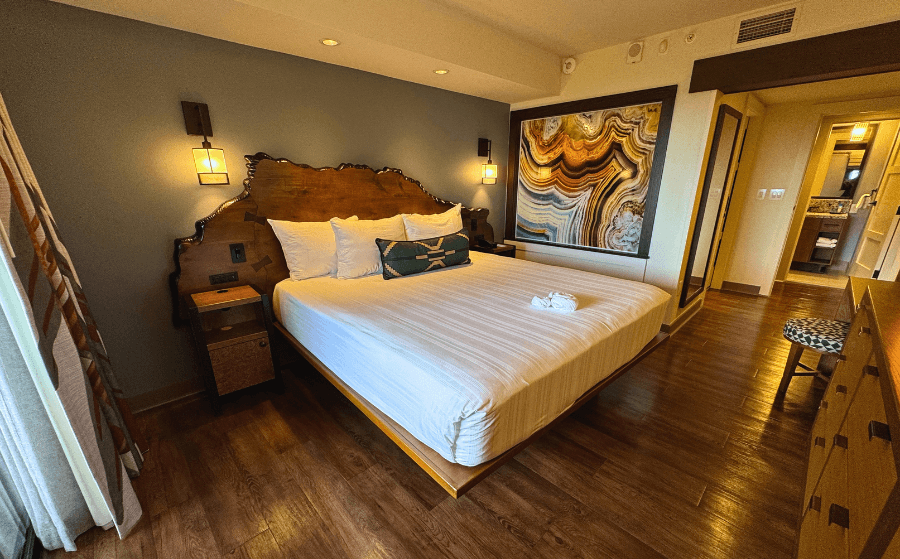
Bay Lake Tower One Bedroom Villa
Make Changes Before 31 Days Out from Check-in
Sometimes modifying reservations means using fewer points than the original reservation. If that happens, those leftover points go back to the Use Year of that reservation. For example, if you have a February Use Year, and you had leftover points from a modified reservation for December 2026, those leftover points would remain in your 2026 Use Year, and you would have to either bank them before September 30 (assuming they hadn’t been banked or borrowed before) or use them before they expire on January 31.
However, there is one caveat: if you modify your reservation under 31 days out from check-in, and you have leftover points, those points will go into holding. This means that the points can only be used to book stays 60 days out or less from your new check-in date, which makes them more challenging to use since last minute room availability is limited. If left unused, those points will expire at the end of the Use Year since holding points cannot be banked.
Access all available Disney Vacation Club resale listings, or learn more about buying and selling with DVC Resale Market.
If you’d like to make an offer or request a free consultation about buying or adding to your DVC contract, the DVC Resale Market team is here to help!



Comments